
Production guides
Conference Filming Guide for Hospital and Event Teams
Prepare your conference or medical seminar shoot: define the coverage, audio, presentation materials, venue arrangements and deliverables. Includes a brief you can copy into your inquiry.
Start with how the video will be used
When planning a conference shoot, consider both the event schedule and the purpose of the recording. An internal training record, separate speaker videos, a promotional highlight film and short social clips require different filming and editing decisions. Separate essential deliverables from optional ones. If a complete talk recording is the priority, review speech recording and access to presentation materials first. If event promotion is the priority, allow time for additional footage of registration, networking and the atmosphere at the venue.
Distinguish coverage from finished deliverables
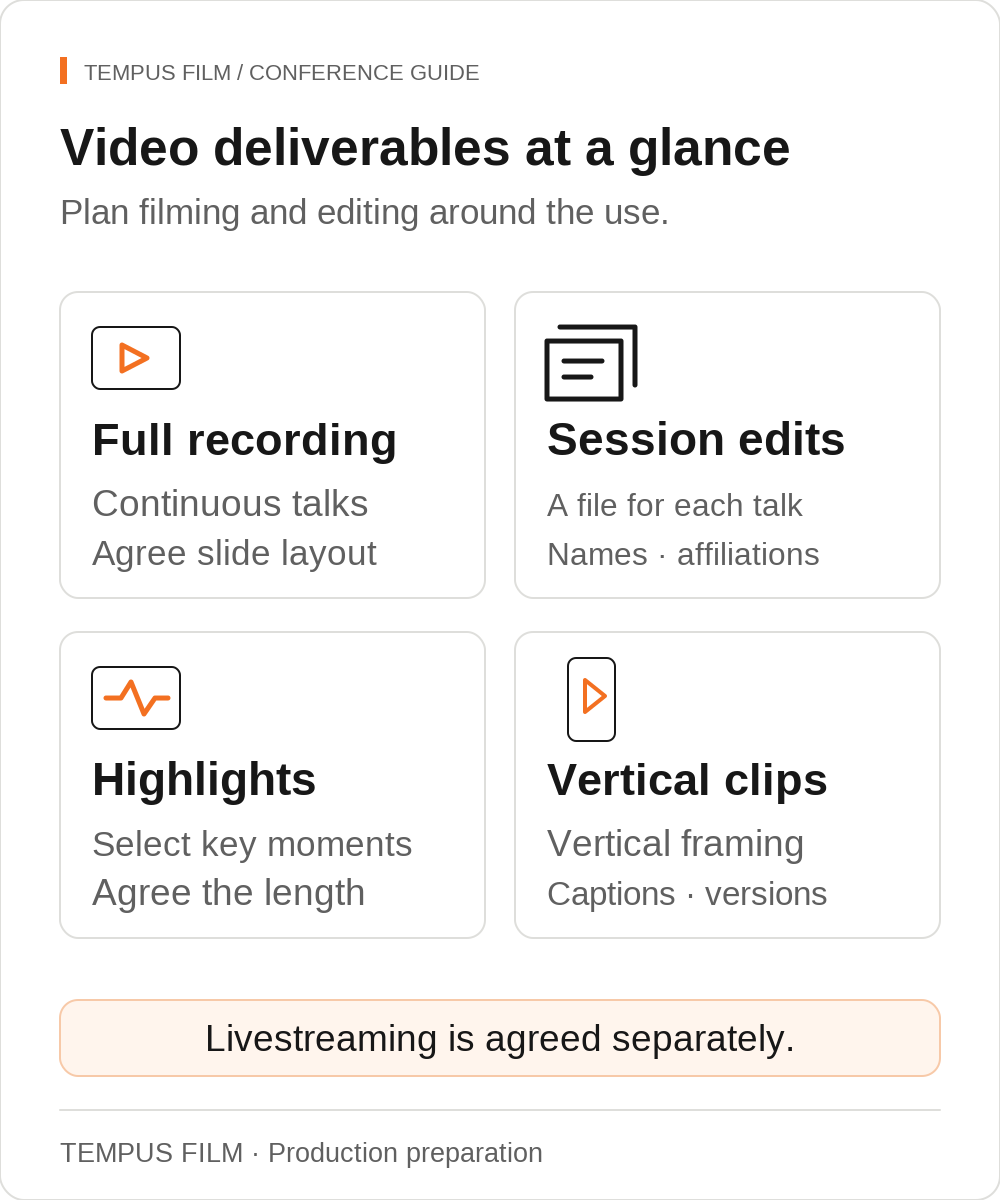
Full recording: A continuous record of the talks. Agree whether waiting and break periods should be removed and whether slides will appear alongside the speaker. Edits by speaker or session: Separate files for each presentation, with names, affiliations and titles checked against the final programme. Event highlights: A shorter selection of key moments. Agree the target length, publishing channels and sessions or activities to emphasise. Social clips: Vertical versions, captions and a different structure may be needed. Check in advance whether recording the talks alone will capture all the footage these clips require. If you also need livestreaming, request it separately from filming and editing. Streaming operations and venue internet access require additional discussion.
What to include in a quote request
Share the event name and organiser, date, venue, total programme duration and actual recording hours. Explain whether sessions run simultaneously in several rooms or one after another in a single space. The number of concurrent rooms affects crew and equipment requirements. Mark the coverage you need: opening remarks, speeches, talks, panel discussions, Q&A, demonstrations and group photographs. Include the purpose of the video, deliverables and preferred delivery date so proposals can be reviewed against the same brief. When comparing quotes, check what is included for setup and pack-down, travel and parking, crew, audio recording, editing, captions, additional versions and file delivery. Event duration alone does not describe the whole production scope.
Confirm the recording feed with the venue audio team
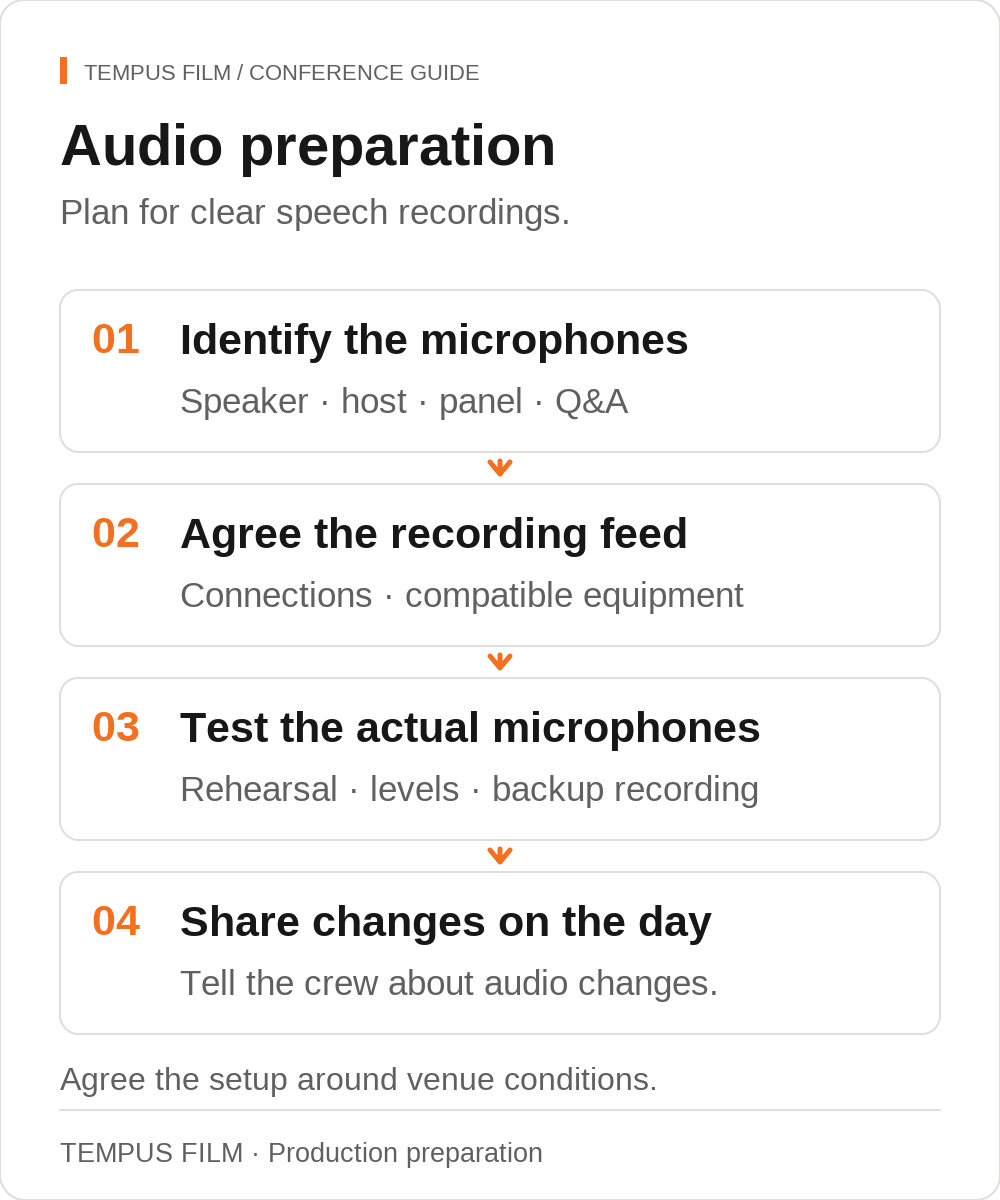
Clear speech is central to a useful talk recording. Share the venue audio contact and check whether the sound system can provide a recording feed. The filming and audio teams should review connections and equipment compatibility together. Decide whether the recording needs the host, panellists and audience questions as well as the main speaker. If a remote speaker's voice and screen must also be captured, agree how those signals will be provided. Allow rehearsal time to test the microphones that will actually be used. Inform the filming team if microphones or audio equipment change before a talk. Discuss whether a backup recording arrangement is needed at this stage.
Agree how speakers and presentation materials will appear
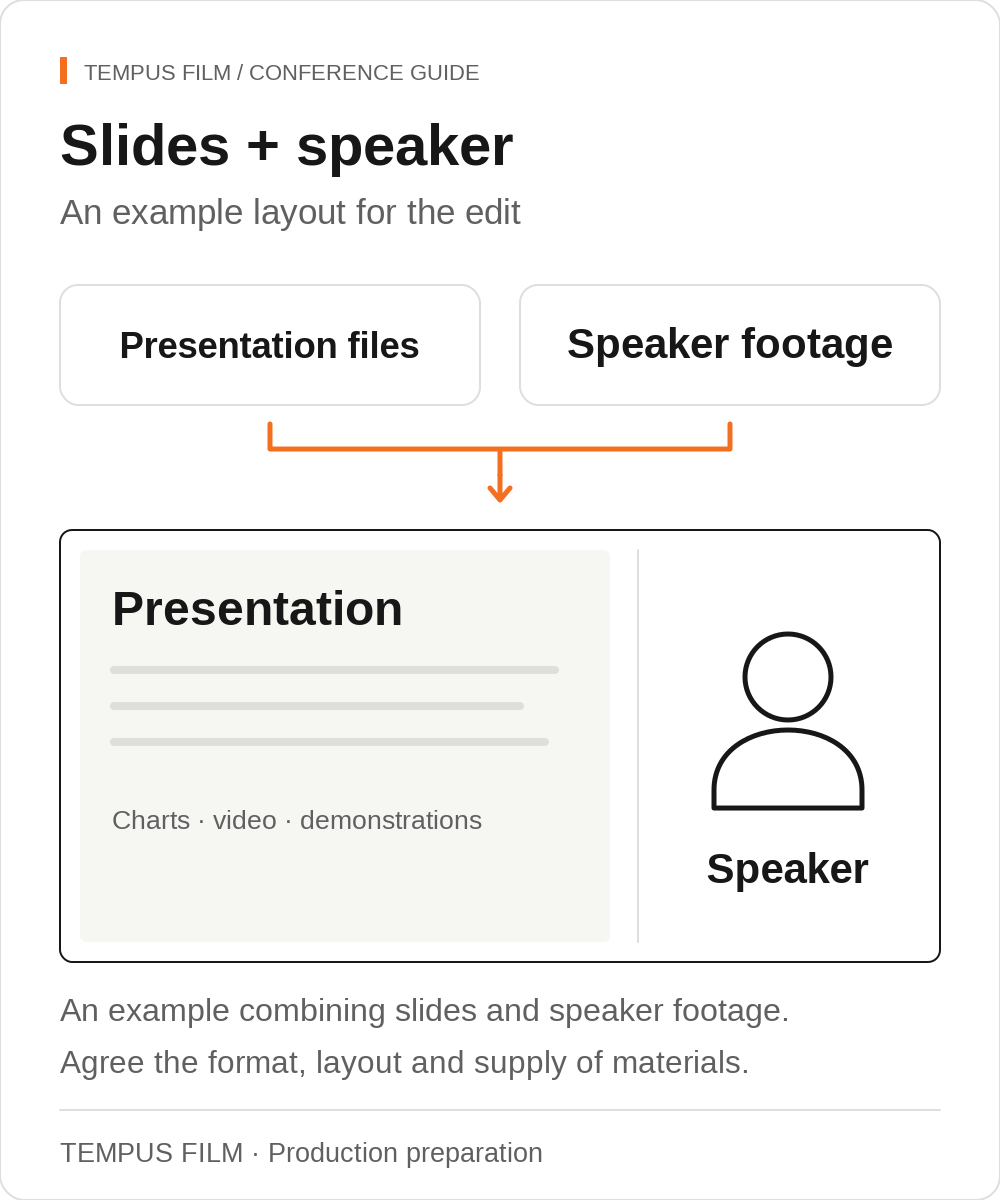
Filming the venue screen alone may not make small text and charts clear. Decide whether to capture the speaker and slides separately and whether the edit should combine them in one frame. Check whether final presentation files or a separate presentation feed can be supplied. Assign a contact for file delivery and last-minute replacements. Tell the filming team about embedded videos, practical demonstrations or live software screens. Prepare the final spelling of speaker names, affiliations, presentation titles, specialist terms and logos. Agree with the organiser which presentation materials can be shared externally and who will check specialist content and terminology.
Work out the filming setup for your event
Share what you know so far, including the date, venue and expected filming hours. If the camera setup or finished videos are still undecided, we can discuss the filming and editing scope together.
Discuss your conference shoot ↗Allow for setup, camera positions and access
Include equipment access, check-in procedures, setup and audio testing, and pack-down in the operating schedule. Distinguish the crew's arrival time from the start of recording. Agree camera positions with the venue, considering views of the speaker and screen, audience movement, aisles and event operations. Check power, equipment storage and the crew's waiting area. Mark panels, demonstrations and Q&A sessions where subjects move or several people speak at once. Agree camera numbers and crew around the required shots and the conditions at the venue.
A practical preparation sequence
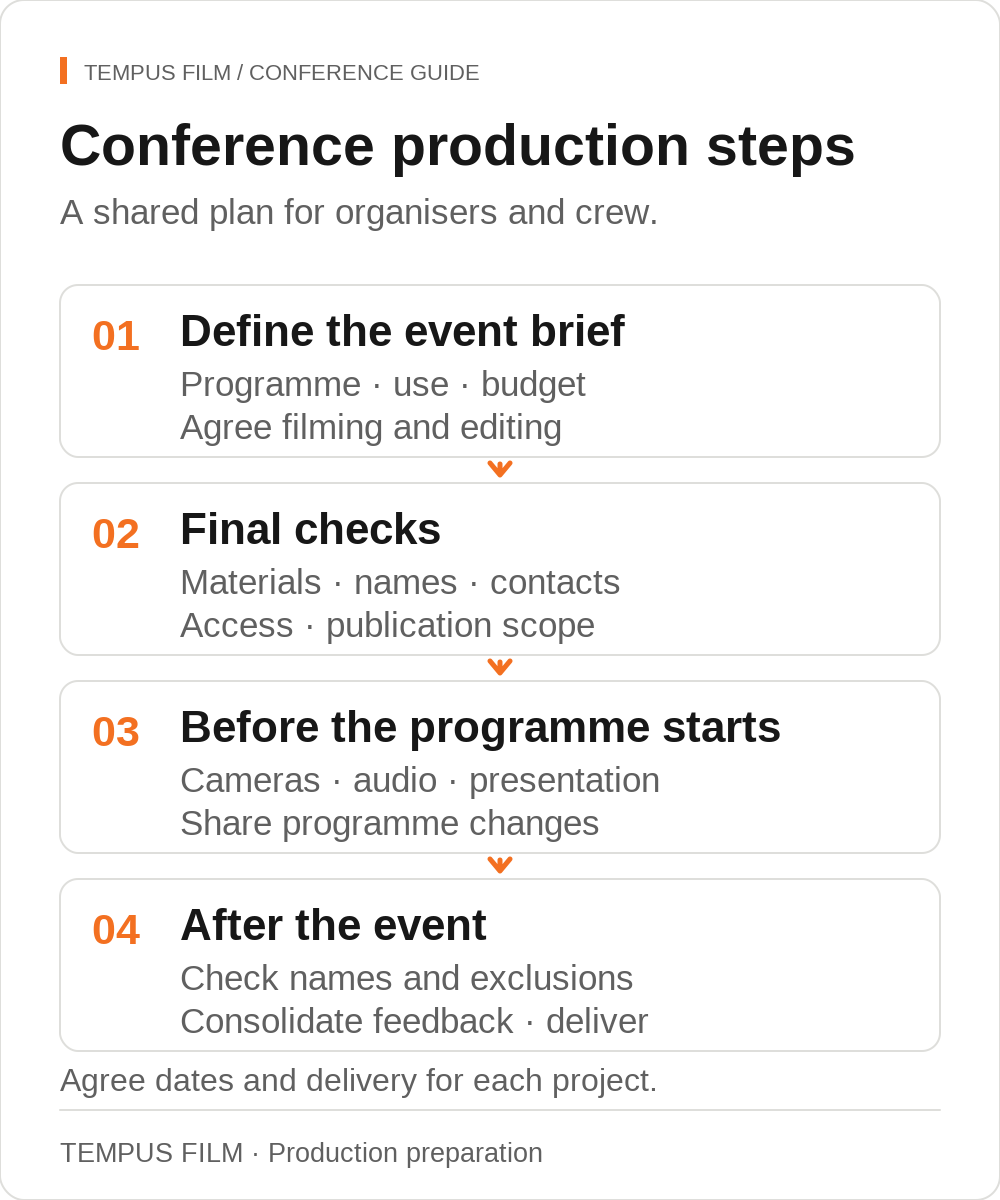
When the event brief is taking shape: Share the draft programme, venue and room count, intended use and budget range, then define the filming and editing scope. Final checks before the event: Provide the final programme, speaker list and materials, venue and audio contacts, access and parking instructions, and the agreed publication scope. Before the event starts: Check cameras, power, sound and presentation capture. Share programme changes and name the organiser's contact for the day. After the event: Confirm names and terminology, any sections to exclude from publication, who will review the draft and how feedback will be consolidated. Delivery dates depend on the materials supplied and the editing and review scope.
Share filming and publication boundaries
Tell us in advance if the recording may include attendees' faces, patient-related materials, clinical footage or research that is not for public release. The organiser should share the confirmed filming areas, attendee communication arrangements and materials cleared for publication so filming and edit exclusions can be planned. Confirm usage separately for internal training and for public websites or social media. Distinguish a full recording, extracts and advertising use. You can also agree a process for consolidating post-event requests to exclude sections, with time references.
Agree delivery requirements before filming
File structure: Decide whether you need a full recording, separate session files, highlights or additional social clips. Editing: Specify removal of waiting periods, slide inserts, opening and closing sequences, name captions, full speech captions or selected key points. Include specialist terminology in the organiser's review. Video specifications: Agree landscape or vertical formats, resolution, file formats and whether captions should be embedded or supplied separately. Schedule and review: Agree draft and final delivery dates, the feedback contact, how comments will be consolidated, and the scope and number of revision rounds. Request raw footage or project files separately if they are needed.
Questions event teams often ask
Can the event be filmed with one camera? A single-camera approach can be considered for a talk recording in one room. If you need simultaneous views of speakers, slides and audience reactions, or several rooms, the shots and crew need to be reviewed. Can we record the talks and make a promotional film? Both can be discussed if the required shots and deliverables are agreed in advance. Check whether additional time or crew is needed to capture activity outside the talks. Do we need captions for every spoken word? Decide according to whether the video is an internal record, online training or public promotion. Full speech captions, names and key points, and multilingual subtitles are separate requirements.
Copy this brief into your inquiry
Event / organiser: Date / venue: Room count / simultaneous sessions: Total programme hours / actual recording hours: Coverage needed: talks · panels · Q&A · demonstrations · event atmosphere Deliverables: full recording · session edits · highlights · social clips Audio contact / recording feed confirmed?: Presentation materials available?: Publishing channels / internal or external use: Preferred delivery date / budget range: Contact person / contact details: You can mark undecided items as to be confirmed. Please also share the programme or a reference video if you have one.
You can enquire before the filming setup is finalised
Tell us what is already known, such as the date, venue and expected recording hours. Deliverables and budget can still be undecided. We will review a filming and editing scope suited to your event.
Discuss your conference shoot ↗