Production guides
Conference Video Editing Guide: Footage, Slides and Deliverables
A guide for teams commissioning edits from existing conference or seminar footage. Prepare source files, check audio, plan slide layouts, define the finished videos and agree reviews and delivery dates. Includes an inquiry brief.
Start with the videos you need and where they will be used
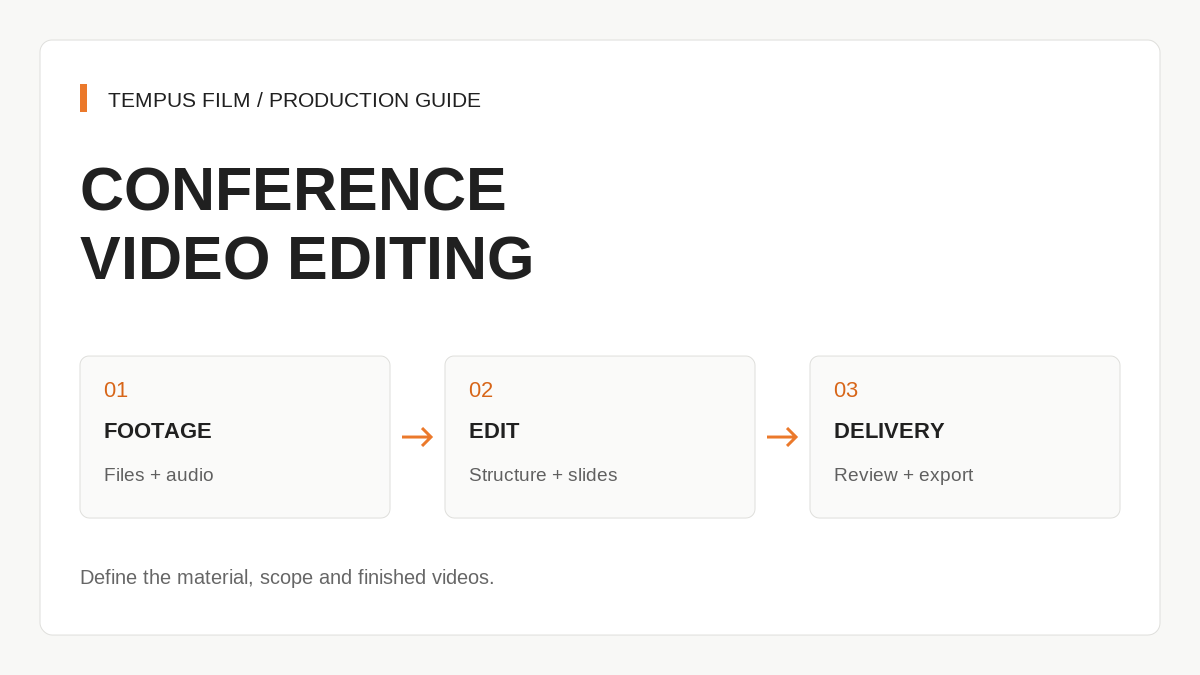
You can enquire about editing existing conference or seminar footage without booking a shoot. First distinguish between an internal training record, separate speaker recordings and a promotional highlights film. Each needs a different structure and amount of editing. Share the total recorded duration, number of cameras and sessions to edit. Decide whether to retain every talk in full, remove waiting periods and breaks, or build a shorter selection of key moments. This gives you a clearer basis for comparing quotes.
Send a file list with your source material
Organise camera originals, separate audio recordings, the programme and presentation files into clearly identified groups. Before renaming files or changing folders, keep a list so the filming and editing teams can identify the same material. Note which room or speaker each camera covered. For the initial inquiry, share the total file size, approximate recorded duration, file formats and whether a short sample is available. We will agree how to transfer large files and arrange access after reviewing the brief. Check any private information or restricted footage with the responsible organiser before sharing it.
Check the picture and sound before confirming the edit
Identify the available audio: venue sound-desk recordings, camera microphones and separate speaker microphones. If audio drops out or distorts, or footage is missing, note the file and time of each problem. We review the actual files to assess synchronisation and possible improvements. We cannot promise to restore speech that was not recorded or pictures that do not exist. Alternative material, explanatory captions or removing a section can be discussed once the files have been checked.
Match final presentation files to the live sequence
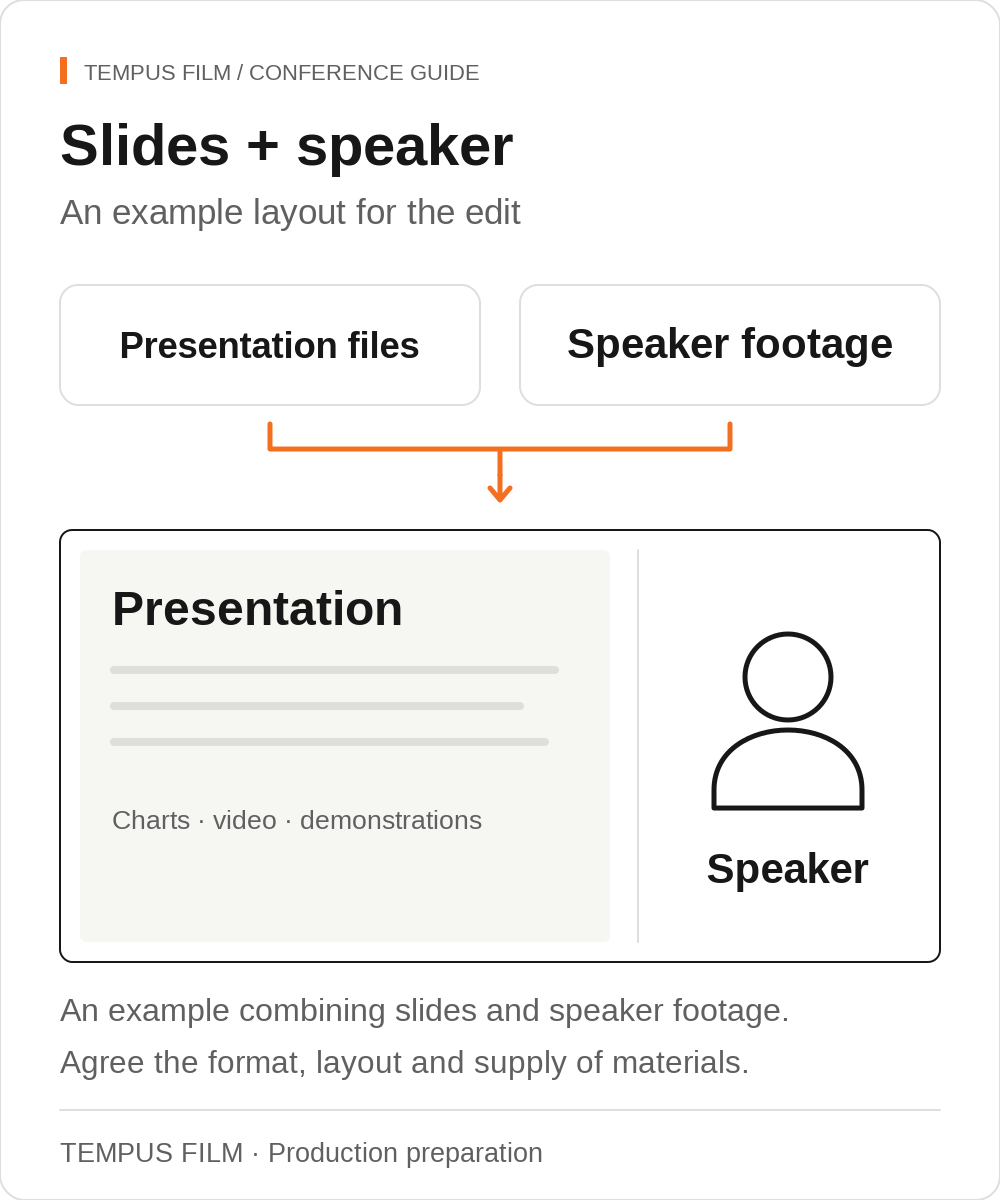
A layout combining the speaker and slides needs the final presentation files and the order used on the day. The supplied slides may differ from those shown at the event, so check for revisions and missing pages. Prepare a screen recording or camera view that shows slide changes, together with approved speaker names, affiliations and talk titles. We agree the layout, relative image sizes, captions and logos around the viewing format and the available material.
Review the source material before defining the editing scope
Tell us the total recorded duration, number of cameras, videos required and preferred delivery date. If you have a file list or short sample, we can first discuss how to review the material.
Enquire about conference editing ↗List each finished video separately
Speaker recordings: specify the talk order, number of videos, whether all content must be retained and which waiting periods can be removed. Confirm title and name captions, full speech subtitles, opening titles and end cards separately. Highlights and social clips: share the publishing channels, target lengths, aspect ratios, version counts and priority scenes. Records and promotional edits serve different purposes and may be quoted separately. Also confirm subtitle languages, source or project-file delivery and additional usage requirements.
Agree the reviewers and delivery dates together
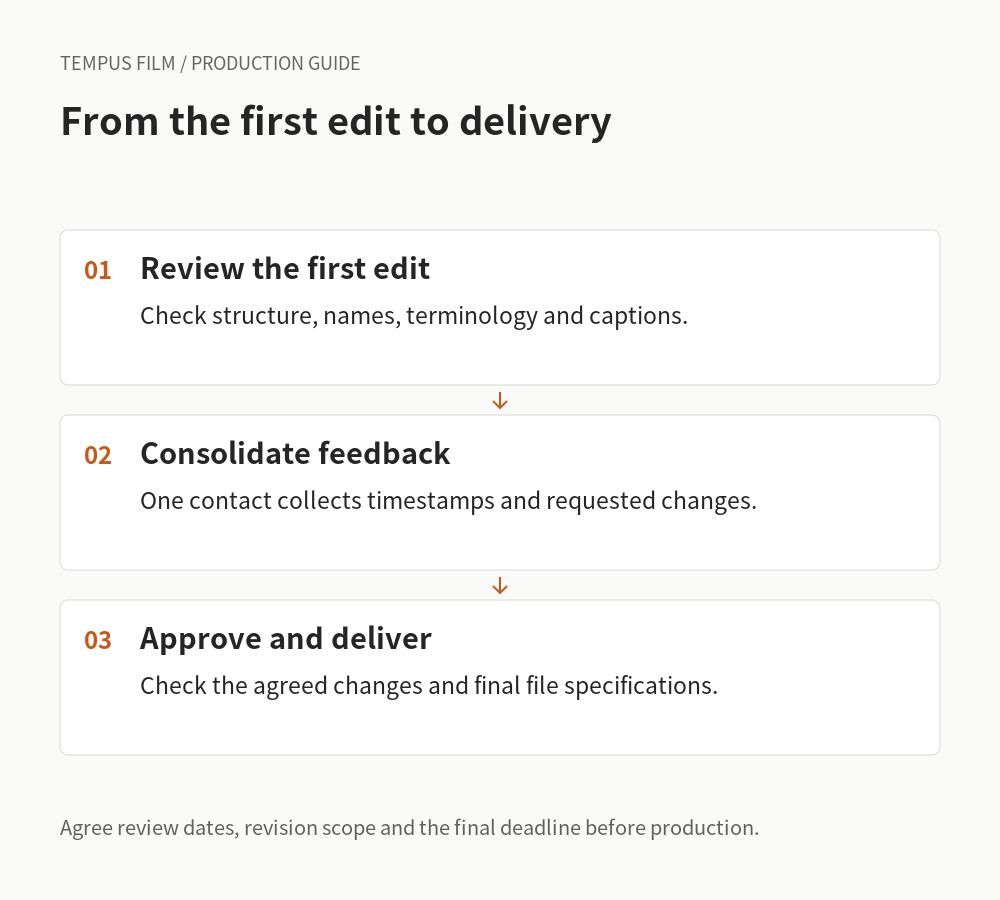
Appoint someone to check names, affiliations, talk titles and specialist terms, and someone to consolidate feedback. Combine comments from different teams into one list with time references and clear requests. Share the date when all source material will be ready, the draft review date and final delivery deadline. Timing and cost depend on the recorded duration, audio and slide condition, deliverable counts and subtitle scope. Agree revision rounds, included changes and how later material or structural changes will be handled in the quote.
Copy this brief into your editing inquiry
Conference / organising institution: Total recorded duration / number of cameras: File size / formats / separate audio: Sessions and speakers to edit: Final slides / reference for slide changes: Finished videos / quantities / target lengths: Aspect ratios / subtitle languages / logos and name captions: Missing footage or audio problems: Material availability / delivery deadline: Budget range / review contact: Reference video / preferred editing approach: You can mark undecided details as to be confirmed. Before sending the full source files, tell us what you have and which finished videos you need.
Planning a shoot as well? Use the on-site checklist
For an upcoming event, you can plan the footage, audio and slides needed for editing before filming begins. The filming guide covers recording connections, sessions and different deliverables.
Read the conference filming guide ↗Tell us which edits you need and what material is available
Even if the editing approach is undecided, share the approximate amount of footage, intended use and preferred dates. We can review the available material and work out the next checks and editing scope together.
Enquire about conference editing ↗